 Klodstudio
Every piece. Every color. Infinite builds.
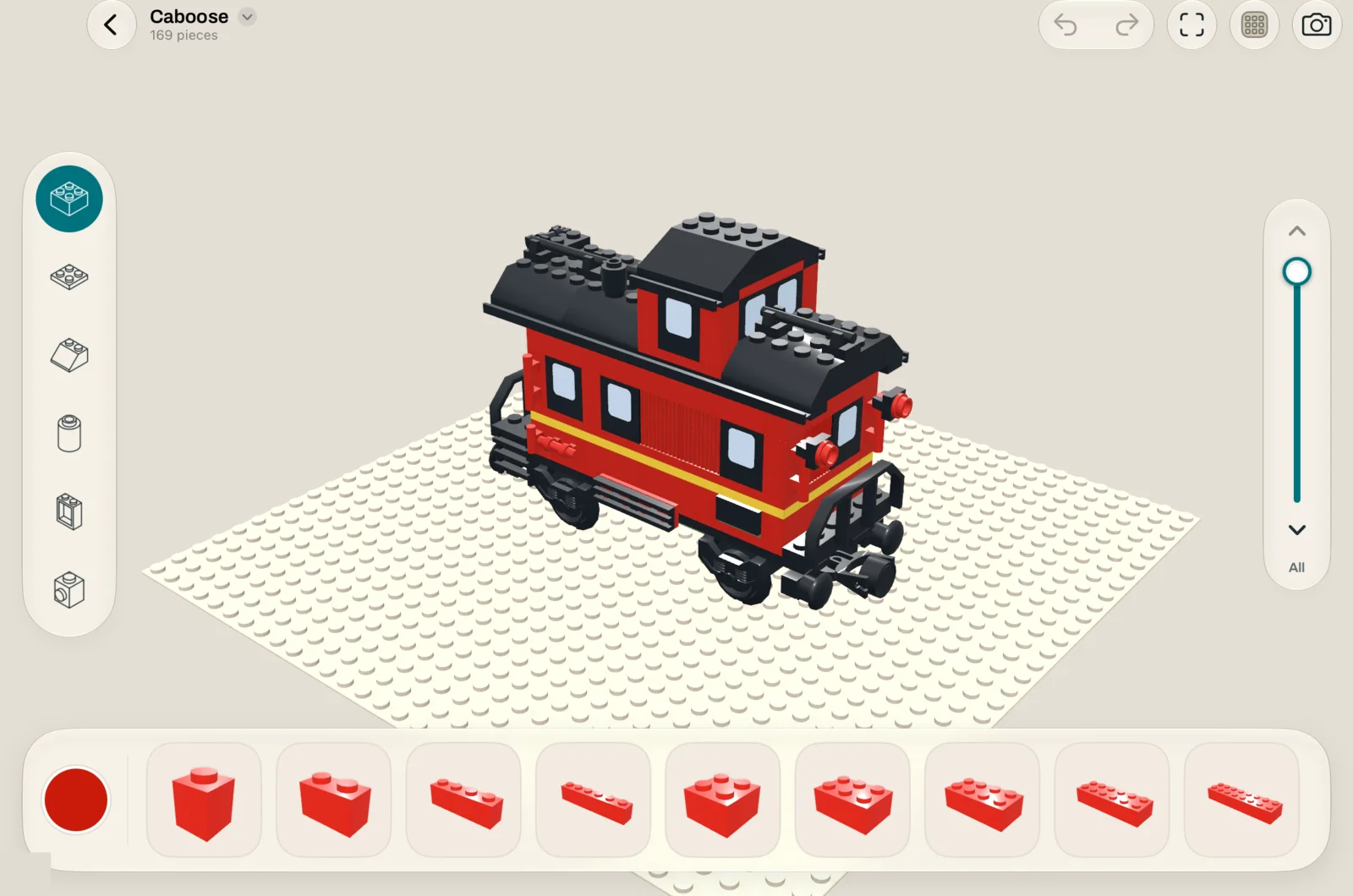
Klodstudio is a 3D brick studio for iPad and iPhone. Pick a piece, tap the baseplate, and it snaps onto the studs. No menus to fight, no work to lose.
Build the way bricks build.
There is no grid to configure and no tool mode to switch. Pieces fall onto whatever is below them and lock to the studs, just like on your desk.
Pick a piece
Browse bricks, plates, slopes, round parts, windows and more from the tray, each drawn in the color you have selected.
Tap to place it
Tap the baseplate or the side of another piece. It drops into place and clicks onto the studs underneath.
Keep going
Rotate, tip it on its side, paint, duplicate or delete with one tap. Undo is always there, and every change saves itself.
What you can do with it
See it like the real thing
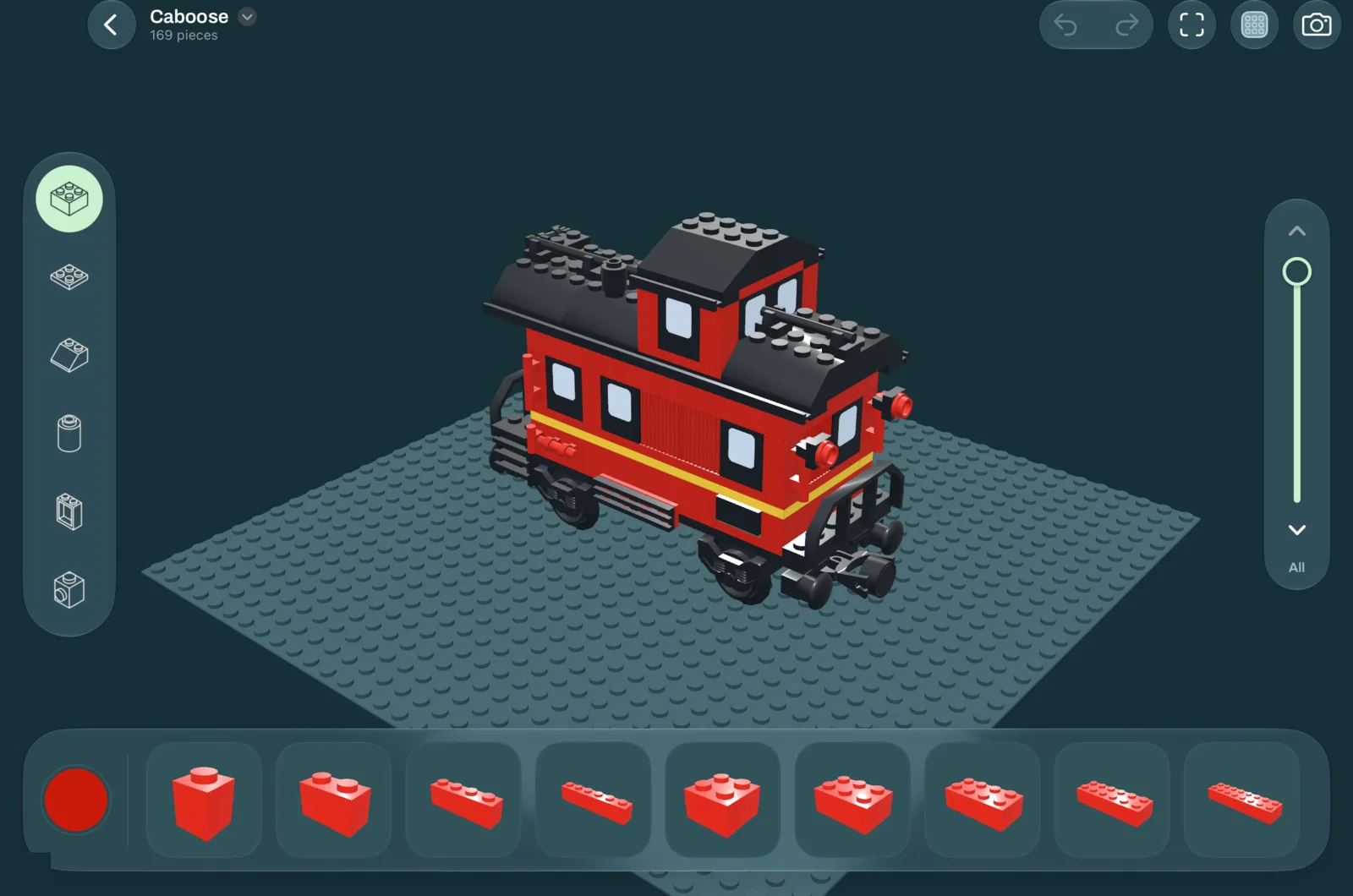
Glossy plastic, round studs and soft shadows, rendered live on your device.
- Jump to front, side, top, back or isometric views.
- Work layer by layer to reach the inside of a model.
- Light and dark appearance, matched to your device.
Photos ready to share
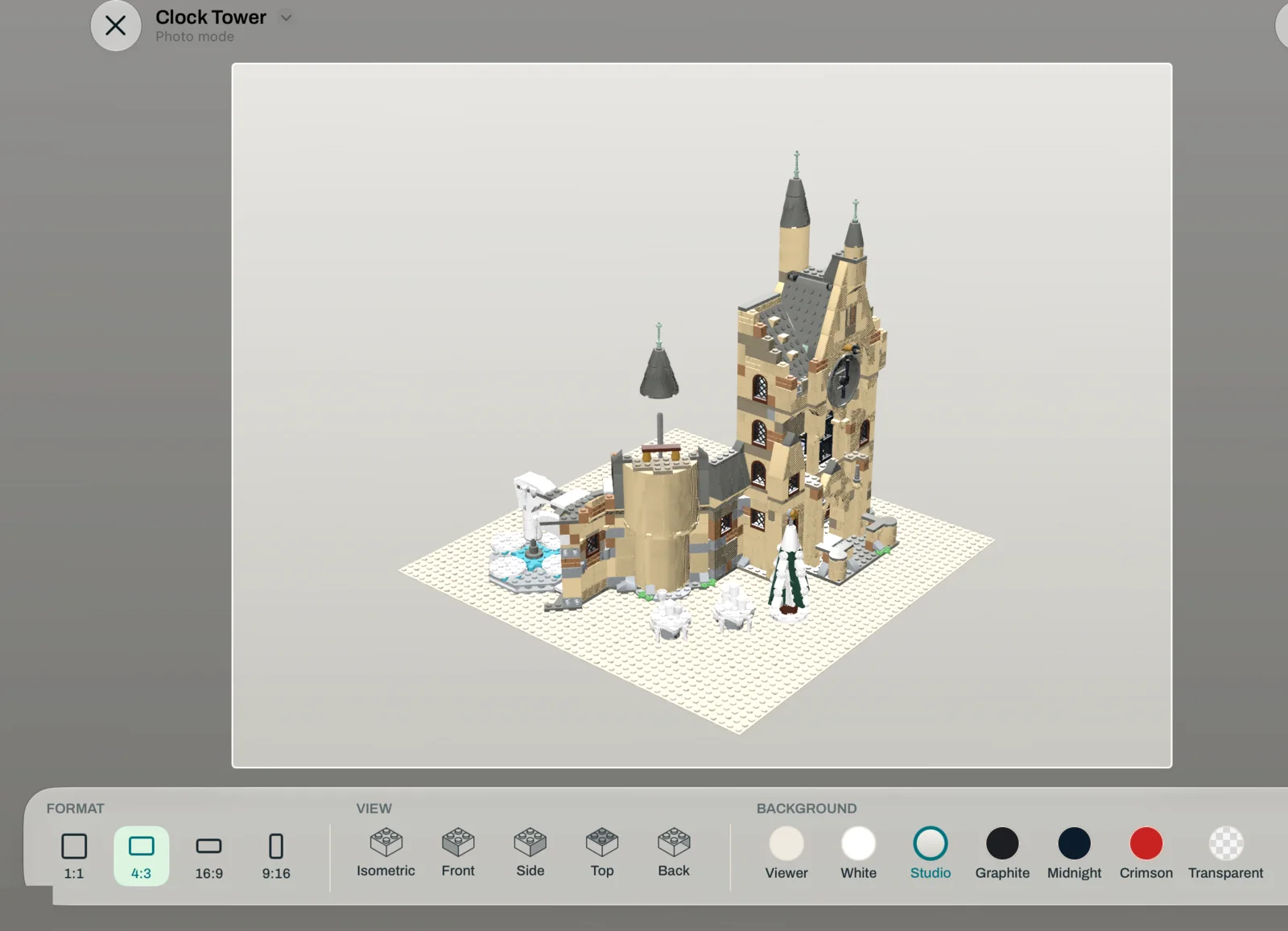
Photo mode frames your model for posting or printing.
- Square, 4:3, 16:9 or vertical stories.
- Studio backgrounds, solid colors or a transparent PNG.
- Show or hide the baseplate and shadow, then save to Photos.
Know exactly what you used
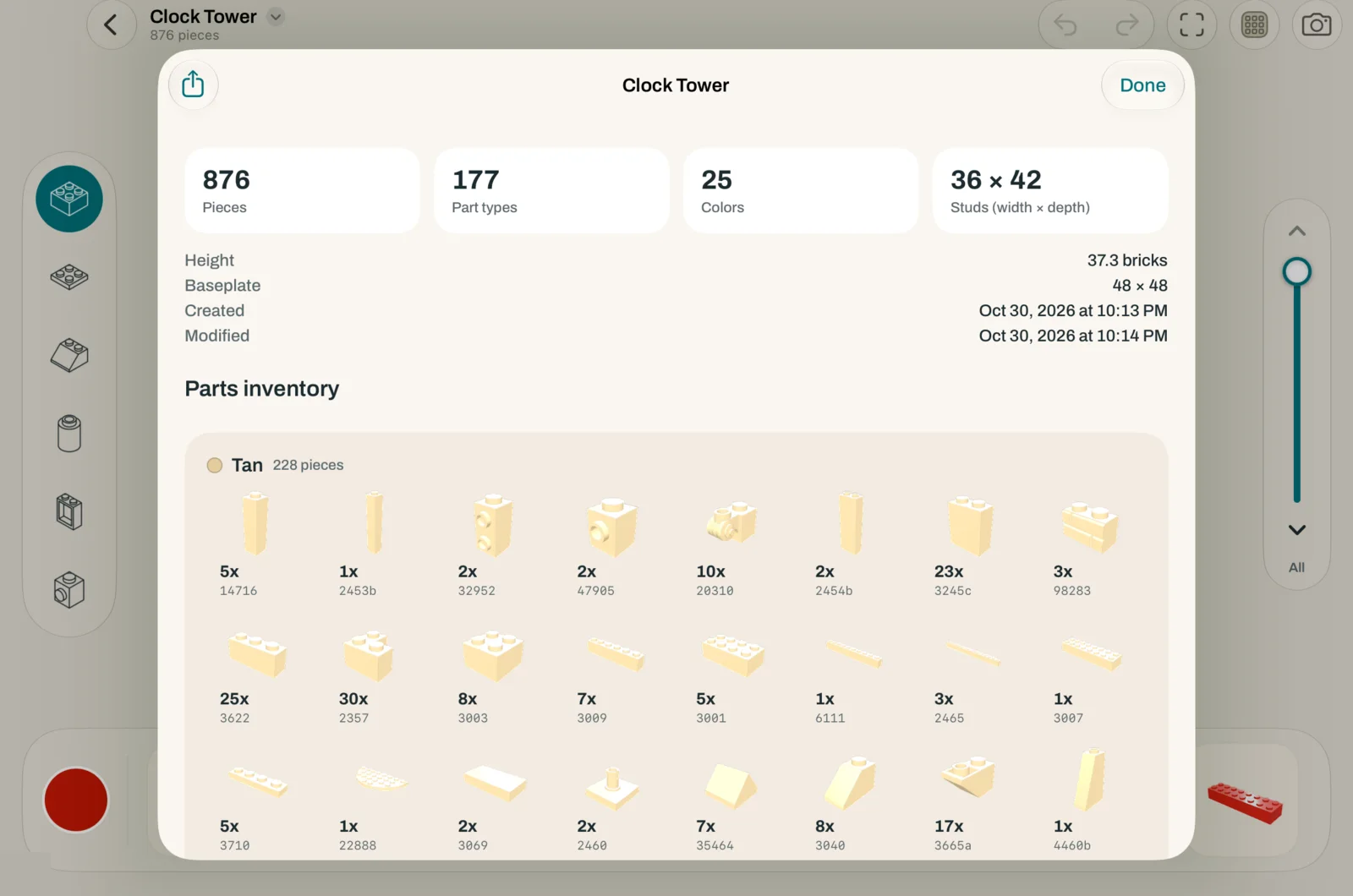
Model info lists every piece grouped by color, like the parts page at the end of a building manual.
- Piece count, colors and size in studs.
- Share the parts list as text to build it for real.
Bring your models with you
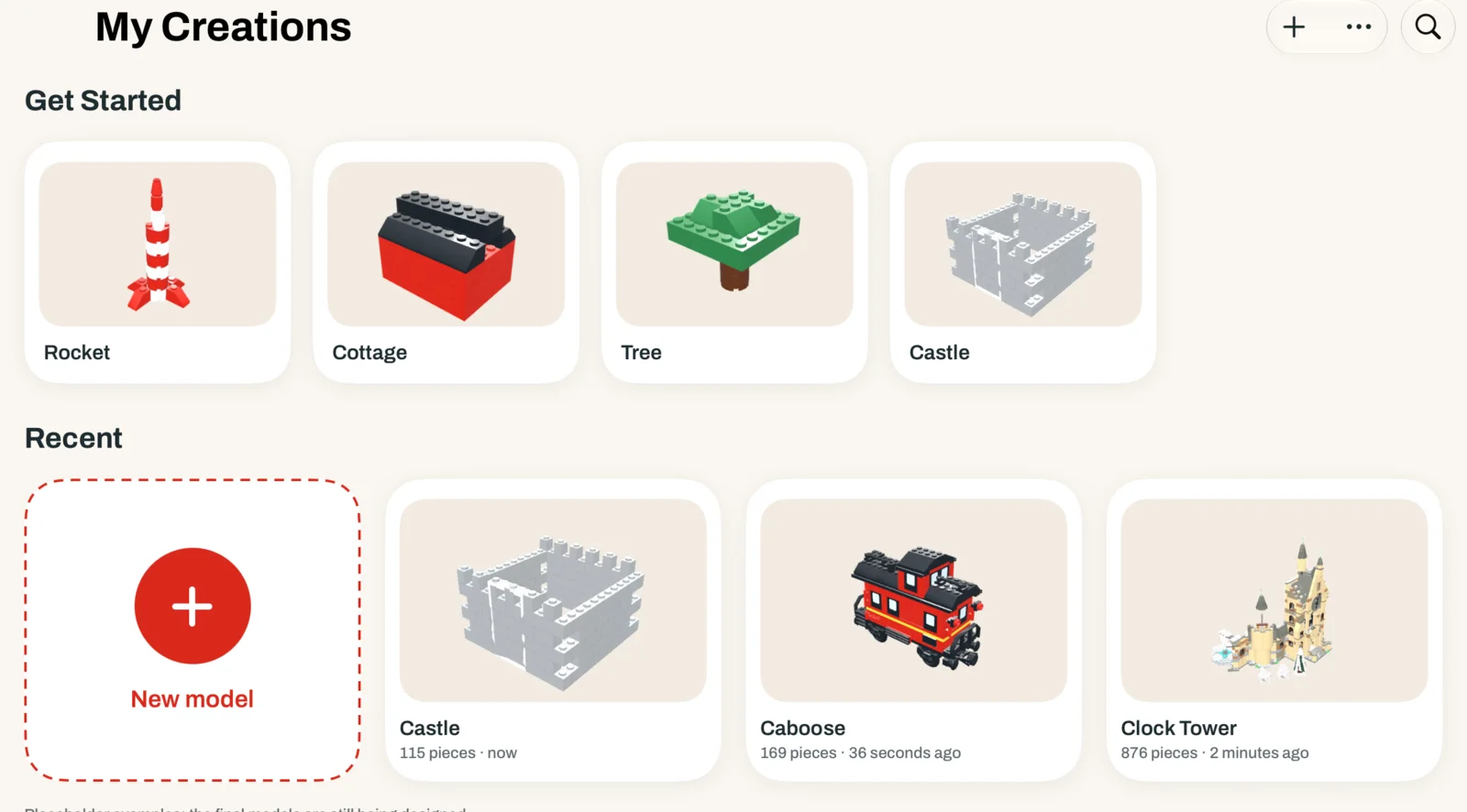
Klodstudio opens and saves LDraw files, the open format used by most digital brick building tools.
- Import .ldr and .mpd files, including large multi-part models.
- Export your creations to keep building on your computer.
Start free. Unlock once.
The starter box is yours to keep, with unlimited saving. When you want every piece, pay one time. No subscription.
Starter box
Free
Everything you need to learn the studio.
- 28 essential shapes: bricks, plates, tiles and slopes
- 10 colors
- 32 × 32 baseplate
- Unlimited saving, photo mode and LDraw import
Klodstudio Complete
$9.99
One payment. Yours for good.
- More than 4,000 real pieces: windows, doors, wheels, plants, Technic
- 274 colors, transparent ones included
- Baseplates up to 96 × 96, in any color
- Export to LDraw (.ldr)
Your models stay yours.
Klodstudio doesn’t collect any data. There is nothing to sign up for and nothing running in the background.
No account
Open the app and start building. No email, no login.
No ads, no tracking
No analytics or third-party code. Apple handles the purchase.
On your device
Your creations live on your iPad or iPhone.
Questions
Which devices does it run on?
iPad and iPhone with iOS 18 or later. It is designed for iPad first, with the same tools on iPhone.
When will it be available?
Klodstudio is in its final stretch before the App Store. This page will link to it as soon as it is out.
Is the unlock a subscription?
No. Klodstudio Complete is a single purchase that stays with your Apple Account, and with Family Sharing your family gets it too. You can restore it on a new device from Settings.
Can I open models from other building apps?
Yes, if they can save LDraw files (.ldr or .mpd). Pieces that aren’t in the Klodstudio catalog are skipped, and the app tells you how many.
Is Klodstudio made by the LEGO Group?
No. Klodstudio is an independent app by KIP Networks LLC. LEGO® is a trademark of the LEGO Group, which does not sponsor, authorize or endorse this app.